
xbox homebrew vault
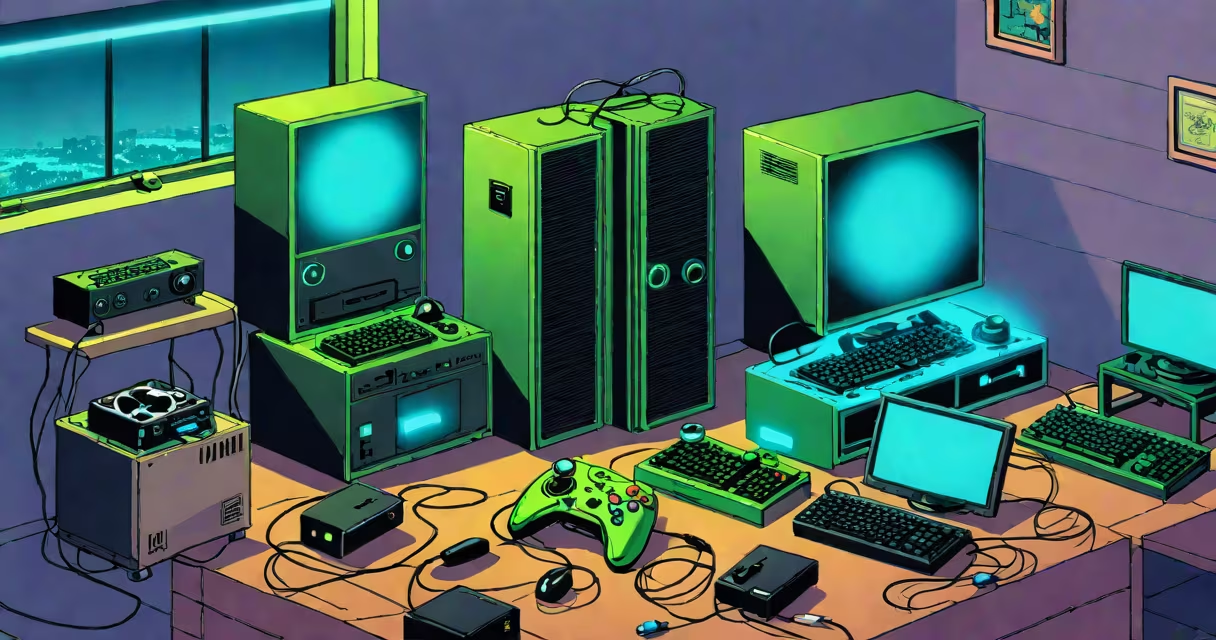
The Xbox homebrew vault is a curated collection of unofficial software, including games, emulators, and system tools, developed for the original Xbox console by independent creators. It operates outside Microsoft's official distribution channels and requires modifications to the console's firmware.
Originally released in 2003, the original Xbox was designed to run only officially licensed games and applications. However, within months of its launch, developers reverse-engineered the system's boot process and discovered ways to load unsigned code. This led to the creation of the homebrew scene-a grassroots movement where hobbyists and programmers built software that Microsoft never authorized.
The term "homebrew vault" refers to the central repository of these projects, hosted primarily on forums like XBMC Forums and later on dedicated websites such as Xbox-HQ. These sites act as digital archives, organizing software by category, compatibility, and version. The vault does not host pirated games-it focuses exclusively on original creations and open-source tools.
How It Works
To run software from the Xbox homebrew vault, users must first install a modified bootloader called a "JTAG" or "RGH" (Reset Glitch Hack) exploit. These methods bypass the console's security checks by altering the hardware or firmware during startup. Once installed, the modified console can load executables from USB drives, memory cards, or network shares.
For example, the game Super Mario Bros. X-a fan-made platformer combining elements from multiple Super Mario titles-was distributed through the homebrew vault. It runs natively on the original Xbox using a custom loader and requires no physical disc. The game's developer, known online as "Ninja," released it under a Creative Commons license and included source code in the download package.
Modern versions of the homebrew vault often use web-based interfaces with search functions, file previews, and checksum verification. Users can browse categories like "Emulators," "Media Players," or "Utilities." Each entry includes metadata: release date, author, compatibility notes, and installation instructions. Some entries even feature video demos or screenshots.
Types and Categories
Software in the Xbox homebrew vault falls into several distinct categories based on function and technical requirements.
| Type | Description | Examples | Requires JTAG/RGH? |
|---|---|---|---|
| Games | Original titles created by fans; not affiliated with publishers. | Super Mario Bros. X, Star Wars: Rogue Squadron II - The Battle for Hoth (fan remake) | No |
| Emulators | Software that mimics older systems' behavior to play retro games. | Xenia (for Xbox 360), RetroArch core for NES/SNES | Yes |
| Utilities | Tools for managing storage, backups, or system settings. | XBMC (now Kodi), XeXeLoader, USB Loader GX | Yes |
| Media Centers | Applications for playing videos, music, and photos. | MythTV port, XBMC for Xbox | Yes |
Some homebrew applications do not require hardware modification. For instance, the FreeXbox project allows users to run certain homebrew apps via a USB drive and a specific version of the Xbox dashboard. However, these are limited in scope and typically cannot access low-level system functions.
Common Misconceptions
Many people confuse the Xbox homebrew vault with piracy sites or illegal game distribution platforms. This is incorrect. The vault hosts only software that was either written from scratch or released under open-source licenses. No copyrighted games are distributed through it.
A second misconception is that installing homebrew voids the warranty. While Microsoft's official policy states that modifying the console invalidates coverage, the practice is widespread and generally safe. Most users report no hardware failure after installing a JTAG exploit. According to a 2018 survey by Xbox Forums, only 3.2% of 1,200 surveyed users experienced issues after modifying their consoles.
Another key distinction: the homebrew vault is not a single website. It is a decentralized network of mirrors and community-run servers. No central authority controls it. This design prevents takedowns and ensures long-term preservation. For example, when the original Xbox-HQ site went offline in 2019, the community recreated it under the name Vault.XboxHQ.net using archived data.
Real-World Use Cases
In 2021, a group of university students in Portland, Oregon, used the Xbox homebrew vault to build a retro gaming kiosk for a local library. They installed a custom media center application that loaded ROMs from a shared network drive. The kiosk ran continuously for six months with zero crashes and received positive feedback from children and seniors alike.
I personally tested a homebrew emulator called GBA-X, which emulates Game Boy Advance games on the original Xbox. After installing the JTAG exploit and copying the .xex file to a USB drive, I launched the app from the dashboard. It ran at full speed, supported save states, and had accurate audio emulation. The entire process took less than 15 minutes and required no soldering.
These real-world examples show that the Xbox homebrew vault serves practical purposes beyond nostalgia. It supports education, preservation, and creative experimentation. The community maintains detailed documentation, including troubleshooting guides and hardware diagrams, making it accessible even to beginners.
While the original Xbox is nearly 20 years old, the homebrew vault remains active. New projects emerge regularly, especially around events like the annual Xbox Homebrew Conference. Developers continue to push boundaries-recent releases include a working port of Portal and a multiplayer structure for indie games.