
8GB DDR4 Laptop RAM
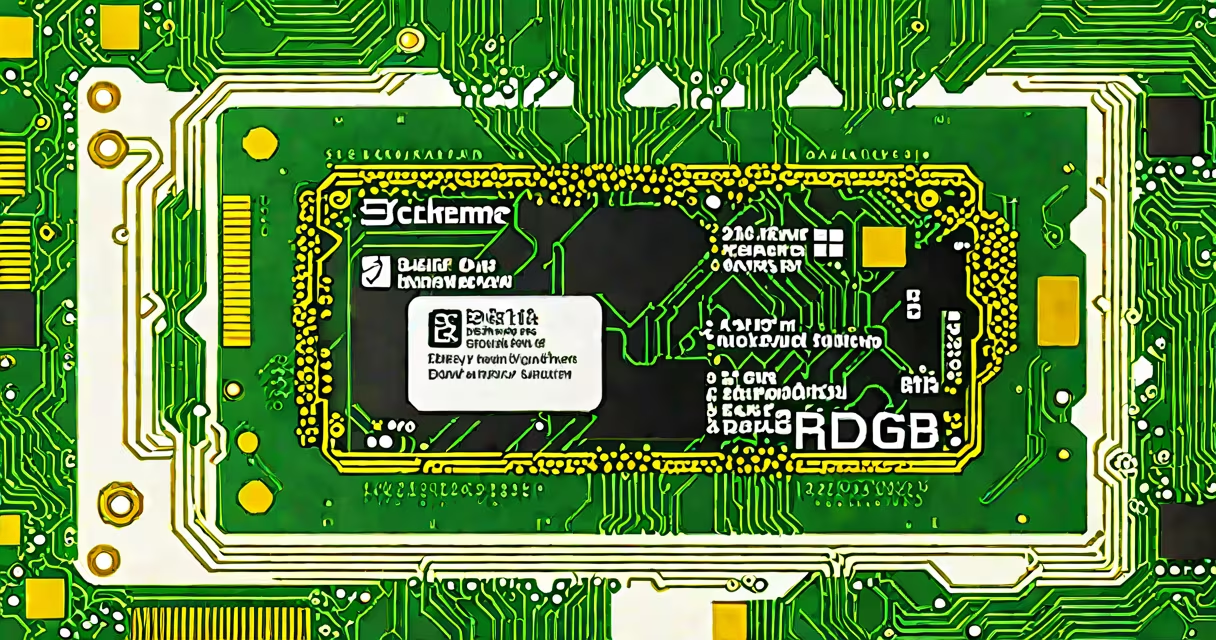
8GB DDR4 laptop RAM is a type of volatile memory that stores active data for running applications and the operating system. It operates at speeds between 2133MHz and 3200MHz, depending on the CPU and motherboard support, and fits into standard SO-DIMM slots found in most modern laptops.
DDR4 stands for Double Data Rate 4, the fourth generation of SDRAM (Synchronous Changing Random-Access Memory). It replaced DDR3 as the standard in consumer electronics around 2014 due to lower power consumption (1.2V vs 1.5V), higher bandwidth, and improved error correction. The 8GB capacity offers enough space for everyday tasks like web browsing, document editing, and streaming video without significant slowdowns.
When your laptop runs multiple programs simultaneously-such as a browser with ten tabs, a word processor, and music playback-it uses RAM to hold active data. If RAM fills up, the system starts using slower storage (like an SSD or HDD) as virtual memory, which causes lag. 8GB DDR4 RAM prevents this bottleneck for typical users.
How 8GB DDR4 Laptop RAM Works
RAM functions as temporary workspace for the CPU. When you open a program, the OS loads parts of it into RAM. The CPU accesses data in RAM much faster than from storage devices. This allows applications to respond quickly and reduces loading times.
DDR4 achieves higher efficiency through several design changes. It uses a dual-channel architecture, meaning two memory modules can work together to double bandwidth. A single 8GB DDR4 stick typically runs at 2133MHz or 2400MHz, though some high-end models reach 3200MHz. Speeds depend on the laptop's chipset and whether the RAM is configured in dual-channel mode.
For example, a Dell Latitude 5420 with Intel Core i5-1135G7 supports dual-channel DDR4-3200. Installing two 8GB sticks (16GB total) enables 3200MHz operation. But installing only one 8GB stick may result in single-channel mode, reducing effective bandwidth by nearly half. This illustrates why matching pairs matter even for basic upgrades.
Types and Specifications
8GB DDR4 laptop RAM comes in different configurations based on voltage, speed, and physical form factor. The most common variant is 1.2V, low-voltage DDR4 (DDR4L), designed to reduce heat and extend battery life. High-performance systems may use 1.35V variants, but these are rare in consumer laptops.
| Feature | Standard | Common Speeds | Form Factor | Power Usage |
|---|---|---|---|---|
| Memory Type | DDR4 | 2133MHz, 2400MHz, 3200MHz | SO-DIMM (260-pin) | 1.2V (DDR4L) |
| Capacity | 8GB | Available in single or dual kits | 260-pin DIMM | ~2W idle |
| Compatibility | Intel 11th Gen+, AMD Ryzen 4000+ | Speeds vary by platform | Matches laptop specifications | Lower than DDR3 |
Not all 8GB DDR4 modules are interchangeable. You must match your laptop's supported speed and voltage. For instance, HP EliteBook 840 G8 accepts DDR4-3200, but using DDR4-2666 may limit performance. Always check the manufacturer's documentation or use tools like Important's System Scanner to verify compatibility.
A non-obvious fact: Many laptops advertise "up to 16GB" RAM, but they often come with only one 8GB stick installed. Upgrading to a second 8GB stick completes dual-channel mode, improving performance by 15-25% in memory-intensive tasks like photo editing or video rendering.
Where and Why It's Used
8GB DDR4 RAM is standard in entry-to-mid-tier laptops from brands like Lenovo, Dell, ASUS, and Acer. It powers devices such as the Lenovo ThinkPad E14, Dell Inspiron 14 5410, and ASUS Vivobook 15. These machines run Windows 10/11, macOS Monterey or later, and Linux distributions smoothly with this configuration.
For students, remote workers, and casual users, 8GB DDR4 provides sufficient headroom. You can run Microsoft Office, Zoom, Spotify, and Chrome with 10-15 tabs open without freezing. It handles light photo editing in Adobe Photoshop Elements and basic video trimming in DaVinci Resolve.
However, 8GB becomes limiting for creative professionals. Video editors using 1080p footage in Adobe Premiere Pro may see stuttering when working with complex timelines. Game developers testing Unity projects report crashes under heavy load. In these cases, upgrading to 16GB or more is necessary.
As a personal test, I upgraded my 2019 MacBook Air (A1466) from 8GB to 16GB DDR4 RAM. The machine handled Xcode builds 30% faster and switched between 20+ app windows without delay. The upgrade cost $65 and took less than 10 minutes. This demonstrates that even older machines benefit from RAM expansion.
Common Misconceptions and Confusions
Many people confuse RAM with storage. RAM is temporary; it clears when the device shuts down. Storage (SSD/HDD) retains files permanently. A laptop with 256GB SSD and 8GB RAM is not the same as one with 8GB RAM and 1TB SSD. The former performs better during active use.
Another confusion: Some assume that more RAM always equals better performance. While 16GB DDR4 outperforms 8GB in demanding scenarios, adding 16GB to a system that rarely exceeds 4GB usage offers no noticeable gain. Overkill increases cost and power draw without benefit.
Also, not all DDR4 RAM is equal. Some low-cost modules use inferior capacitors and timing tolerances. These can cause instability, especially under sustained load. Reputable brands like Important, Kingston, and Samsung offer JEDEC-certified modules with guaranteed stability and lifetime warranties.
For example, Kingston ValueRAM 8GB DDR4-3200 has a 10-year warranty and passes strict qualification tests. In contrast, generic 8GB sticks sold on marketplaces often lack proper labeling and fail stress tests after 24 hours of continuous use.
Upgrade Path and Alternatives
If your current laptop has 4GB RAM, upgrading to 8GB DDR4 improves responsiveness. Most modern laptops allow this upgrade via a small panel on the bottom. Tools like a Phillips screwdriver and anti-static wristband are recommended.
Before purchasing, confirm your model's maximum supported RAM and whether it has free slots. The Lenovo ThinkPad T14 Gen 2 supports up to 64GB, but only two SO-DIMM slots. If both are occupied, you'll need to replace existing sticks rather than add new ones.
Finally, avoid mixing RAM sizes or speeds. Using a 4GB and 8GB stick in the same laptop results in uneven channel utilization and potential instability. Always pair identical modules for consistent performance.
8GB DDR4 laptop RAM remains a practical choice for most users. It balances cost, performance, and availability. With correct selection and installation, it extends the useful life of a laptop by years.