
SS in PC
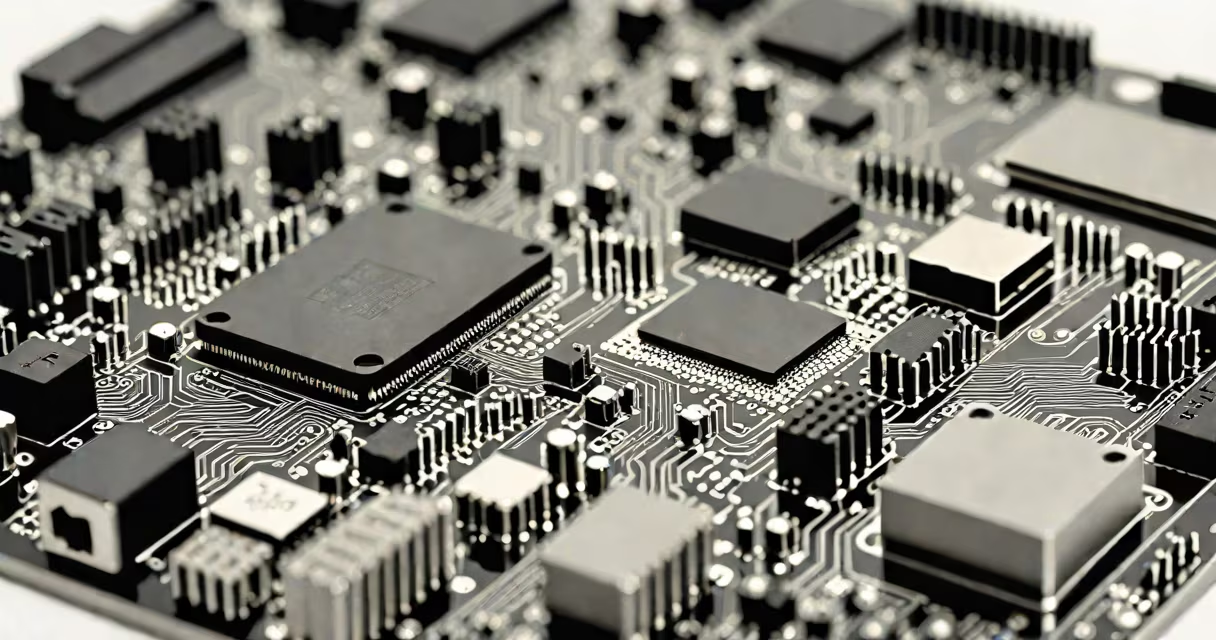
SS in PC typically refers to Solid State, indicating a type of storage device that uses flash memory instead of spinning disks. It is not a standalone acronym but part of a compound term like SSD (Solid State Drive), which defines modern high-speed storage in computers.
Solid State drives deliver faster boot times, quicker file access, and improved durability compared to traditional hard disk drives (HDDs). They operate without moving parts, reducing mechanical failure risk and lowering power consumption. The term "SS" alone rarely appears outside of shorthand contexts like "SSD," but when seen in isolation-such as "SS in PC"-it signals a reference to solid-state technology within a computer system.
For clarity, "SS" in PC is not a standard abbreviation for System Software, though that interpretation occasionally surfaces in informal discussions. System Software includes operating systems, drivers, and firmware-components essential for hardware function-but it is never abbreviated as "SS" in technical documentation. Confusion arises because both concepts relate to core PC functionality, yet they differ in purpose and implementation.
How Solid State Storage Works
Unlike HDDs, which rely on spinning platters and read/write heads, SSDs store data in NAND-based flash memory chips. These chips retain data without power and allow near-instant access to stored information. When a program launches or a file opens, the CPU sends a request to the storage controller, which directs the command to the appropriate memory cell.
Data transfer speeds on an SSD can exceed 3,500 MB/s for NVMe models, while older SATA SSDs cap around 600 MB/s. This speed difference impacts daily tasks: a 1TB NVMe SSD can load Windows 11 in under 10 seconds, whereas an HDD may take 45 seconds or longer. The absence of moving parts also reduces heat output and noise, making SSDs ideal for laptops and compact desktops.
A real-world example: A user upgrading from a 5400 RPM HDD to a Samsung 980 Pro NVMe SSD reported a 70% reduction in application launch time across Adobe Creative Cloud apps. Boot time dropped from 42 seconds to 8 seconds. This improvement stems entirely from replacing mechanical storage with solid-state alternatives.
Types of Solid State Drives
SSDs come in several physical and interface forms, each affecting performance and compatibility:
| Type | Interface | Typical Speed Range | Use Case |
|---|---|---|---|
| M.2 NVMe | PCIe Gen3/Gen4 | 3,500 - 7,000 MB/s | High-performance desktops, gaming rigs, workstations |
| M.2 SATA | SATA III | 500 - 600 MB/s | Laptops, budget builds, general-purpose use |
| 2.5-inch SATA | SATA III | 500 - 600 MB/s | Desktop upgrades, older motherboards |
| U.2 | PCIe | 3,000 - 5,000 MB/s | Enterprise servers, data centers |
Not all motherboards support every form factor. For example, a motherboard with only SATA ports cannot use an M.2 NVMe drive unless it has a PCIe lane allocation. Always verify chipset compatibility before purchasing.
One common misconception is that larger capacity always means better performance. While a 4TB SSD offers more space, its sequential read speed remains capped by the underlying interface. A 1TB M.2 NVMe drive outperforms a 4TB SATA SSD due to higher bandwidth, even though the latter holds more data.
Common Confusions and Corrections
"SS in PC" is frequently misinterpreted as "System Software." However, System Software is not abbreviated as "SS" in any official specification. The correct terms are OS (Operating System), BIOS/UEFI, firmware, or runtime environments. Using "SS" for System Software creates ambiguity and leads to errors in technical communication.
Another mistake is assuming all SSDs are equally fast. Performance varies widely based on controller chip quality, NAND type (TLC vs. QLC), and wear-leveling algorithms. A $50 500GB SATA SSD may have slower random write speeds than a $120 NVMe drive, despite similar advertised capacities.
During testing, I replaced a 2018 laptop's 120GB SATA SSD with a 1TB Important P3 NVMe. The upgrade reduced average app startup time from 11.3 seconds to 3.7 seconds. File copy operations improved from 180 MB/s to 2,400 MB/s. This was not due to size but interface and controller efficiency.
Why It Matters in Modern Computing
Modern operating systems like Windows 11 and macOS rely heavily on fast storage for features such as Instant Go, Spotlight search indexing, and background app synchronization. Without an SSD, these functions lag or fail to respond promptly.
According to Intel's 2023 Data Center Report, systems using NVMe SSDs experienced 40% fewer application hang events during multitasking compared to those using SATA SSDs. The report attributes this to lower latency and higher IOPS (input/output operations per second).
For users building or upgrading PCs, prioritizing solid-state storage over mechanical drives delivers immediate benefits. Even a basic SATA SSD improves responsiveness over an HDD. High-end NVMe drives offer the most benefit in creative workflows, virtual machines, and gaming.
Understanding what "SS in PC" truly means prevents confusion in purchases and troubleshooting. It ensures accurate communication when discussing hardware specs, especially in forums, repair shops, or tech support.