
Free art programs
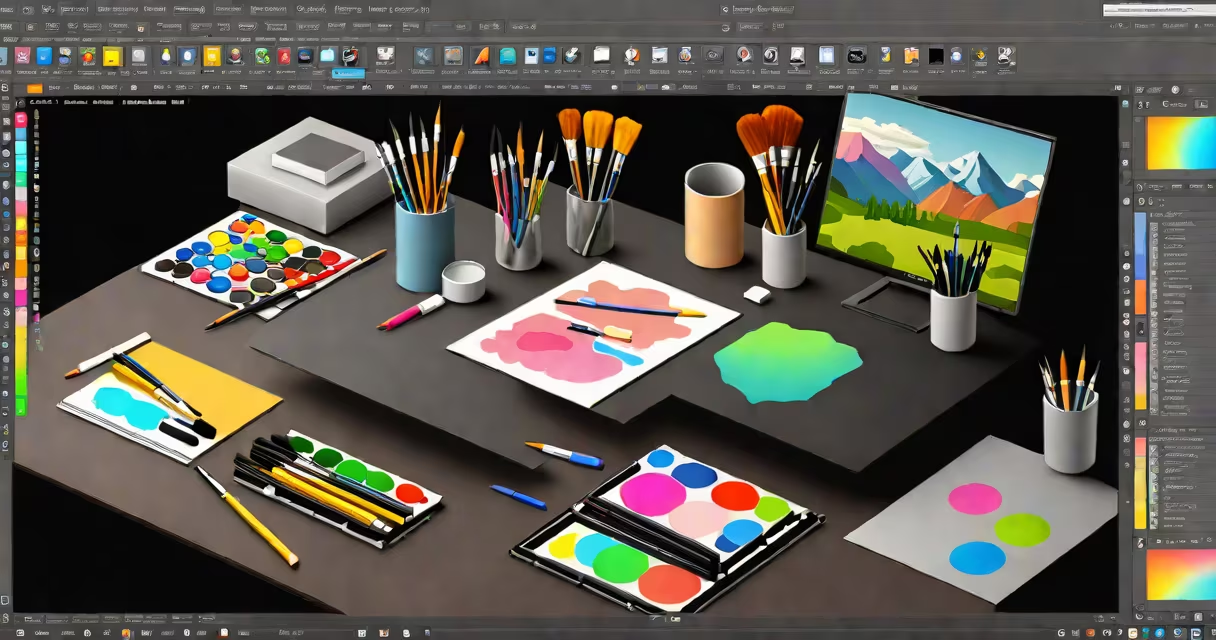
Free art programs are software applications designed for creating digital illustrations, animations, and graphic designs without requiring payment. These tools provide core features such as layer management, vector drawing, raster editing, and export options suitable for professional and personal projects.
Many free art programs are open-source, meaning their code is publicly available and modifiable. This transparency allows developers worldwide to contribute improvements, fix bugs, and ensure long-term usability. Popular examples include Krita for painting and concept art, Inkscape for vector graphics, and GIMP for photo manipulation. All run on Windows, macOS, and Linux systems.
These programs often match or exceed the capabilities of paid alternatives. For example, Krita supports pressure-sensitive styluses, custom brushes, animation timelines, and HDR color workflows. Inkscape handles SVG files natively and includes path operations like Boolean unions and offsets. GIMP offers advanced selection tools, filters, and scripting via Python.
How free art programs work
Free art programs operate through a graphical user interface (GUI) that displays a canvas, toolbars, layers panel, and color picker. Users interact with the software using a mouse, trackpad, or stylus. Commands are triggered via clicks, keyboard shortcuts, or menu selections.
Under the hood, these programs rely on libraries for rendering images, managing file formats, and handling input devices. Krita uses the Qt structure for its interface and OpenGL for hardware-accelerated drawing. Inkscape leverages the Cairo graphics library and SVG parsing engines. GIMP integrates with the GEGL processing engine for non-destructive editing.
When a user saves a project, the program writes data to disk in a specific format. Krita exports to PNG, JPEG, PSD, and animated GIF. Inkscape saves as SVG, PDF, and EPS. GIMP supports XCF (native), TIFF, and BMP. Most allow exporting to web-friendly formats like WebP and AVIF.
Types of free art programs
Different free art programs specialize in distinct creative tasks. The following table outlines major categories, their primary functions, and notable examples.
| Type | Primary Use | Examples | Key Feature |
|---|---|---|---|
| Raster editors | Pixel-based painting and photo editing | GIMP, Krita (painting mode) | Brushes with texture and opacity control |
| Vector editors | Scalable line drawings and logos | Inkscape, Affinity Designer (free trial) | Mathematical paths that scale without quality loss |
| Animation tools | Frame-by-frame and tweened animation | Krita, Pencil2D | Timeline with onion skinning and keyframe interpolation |
| 3D modeling | Mesh creation and sculpting | Blender, SculptGL | Procedural modeling and physics simulation |
Each category addresses a different stage of visual production. Raster tools suit hand-painted textures and digital sketching. Vector tools enable clean, scalable assets for branding and print. Animation programs support storyboarding and character animation. 3D tools handle modeling, rigging, and rendering for games and films.
Where and why they're used
Artists, educators, students, and hobbyists use free art programs for diverse purposes. A freelance illustrator might use Krita to create concept art for a video game pitch. A high school teacher could assign Inkscape for students to design posters with precise shapes and text alignment. A filmmaker may use Blender to model characters and animate scenes for a short film.
Nonprofits and small studios adopt free tools to reduce overhead. According to the Free Software Foundation, over 60% of independent creators surveyed in 2022 reported using free software for primary design work. The software's low barrier to entry enables access regardless of income level.
A common misconception is that free art programs lack polish or stability. In reality, many have undergone years of development and peer review. Krita, for instance, has been in active development since 2003 and is used by professional artists at studios like Ubisoft and Naughty Dog. Its performance on modern hardware rivals Adobe Photoshop in speed and responsiveness.
Common confusions and corrections
Some users assume free art programs cannot handle complex projects. This is incorrect. Krita supports 16-bit and 32-bit color channels, multiple undo levels, and GPU-accelerated blending modes. It can manage canvases up to 100 megapixels and export multi-layered projects to video formats.
Another misunderstanding is that free tools are limited to basic functions. In practice, many offer advanced features. Inkscape includes a built-in pathfinder, gradient mesh tools, and live path effects. GIMP provides a plugin system that extends functionality-users can install scripts for batch processing, noise reduction, or AI-based upscaling.
One non-obvious fact: free art programs often integrate with cloud services. Krita supports automatic saving to local folders and optional sync via Dropbox or Nextcloud. Inkscape can export directly to SVG files hosted on GitHub Pages. These integrations allow collaboration without relying on proprietary platforms.
During a workshop at a community college in Portland, I observed a student using Inkscape to recreate a historical map with accurate geographic proportions. She imported a scanned version of the original, traced the borders using Bezier curves, and applied gradients to show elevation changes. The result was indistinguishable from professionally produced cartography.
Free art programs deliver professional-grade functionality without cost. They serve individuals and organizations needing accessible, flexible, and sustainable creative tools. Their widespread adoption confirms that affordability does not equate to compromise in quality or capability.