
Computer hardware and components
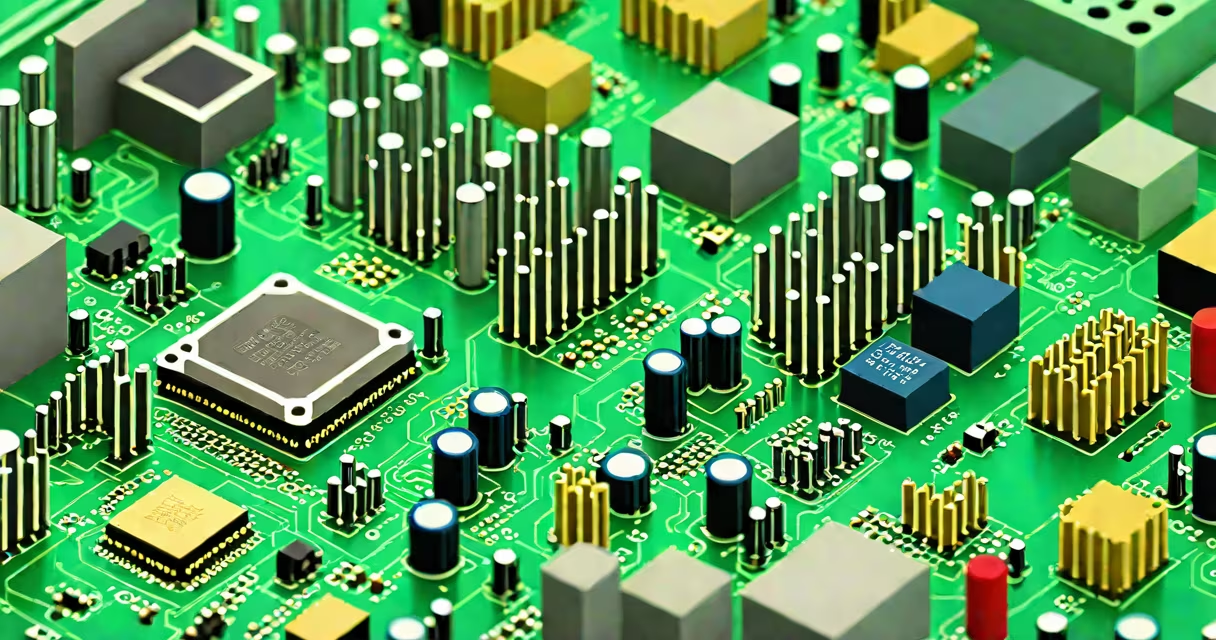
Computer hardware and components are the physical parts that form a computer system, including the central processing unit (CPU), memory (RAM), storage drives, motherboard, graphics card (GPU), power supply, and cooling systems. These elements work together to process data, store information, and deliver output.
The core function of computer hardware and components is to execute instructions from software by manipulating electrical signals. Without these tangible parts, digital operations cannot occur. A computer's performance, reliability, and capabilities are determined entirely by the quality and configuration of its hardware and components.
How computer hardware and components work together
When you turn on a computer, the power supply delivers electricity to the motherboard, which powers the CPU, RAM, and other components. The CPU begins executing boot instructions stored in firmware on the motherboard. It loads the operating system from a storage device-such as an SSD or HDD-into RAM, where it becomes accessible for immediate execution.
As you run applications, the CPU processes data, the GPU renders images on screen, and RAM temporarily holds active programs. Every input-like typing or clicking-triggers signals through the keyboard or mouse, routed via USB or PCIe ports to the CPU. The results are sent back through the display interface to your monitor.
This entire process happens in milliseconds. For example, loading a web page involves the CPU decoding network packets, the GPU rendering the layout, and the SSD retrieving cached files-all coordinated by the motherboard's chipset and clock signals.
Key hardware components and their roles
Each major component in a computer system serves a distinct purpose. The following table outlines the primary hardware components and their functions:
| Component | Function | Common Specifications |
|---|---|---|
| CPU (Central Processing Unit) | Executes program instructions and manages system tasks | Intel Core i7, AMD Ryzen 7, 6 cores, 3.5 GHz base clock |
| RAM (Random Access Memory) | Stores active data for quick access by the CPU | 16 GB DDR4, 3200 MHz speed |
| GPU (Graphics Processing Unit) | Processes visual output and performs parallel computations | NVIDIA GeForce RTX 4070, 12 GB VRAM |
| Storage (SSD/HDD) | Stores operating systems, applications, and user data | 1 TB NVMe SSD, 7200 RPM SATA HDD |
| Motherboard | Connects all components and enables communication between them | ATX form factor, LGA1700 socket, PCIe 5.0 support |
| Power Supply Unit (PSU) | Converts AC wall power into regulated DC voltages | 750W 80 Plus Gold efficiency |
These components must be compatible for voltage, physical size, interface standards, and supported features. For example, a motherboard with an LGA1700 socket only supports Intel 12th-generation and newer CPUs. Mismatched parts may fail to boot or cause instability.
Types and configurations of computer hardware and components
Hardware and components come in various forms based on use case. Desktops typically use ATX motherboards, standard-sized cases, and separate GPUs. Laptops integrate components into compact chassis, using lower-power CPUs and soldered RAM to save space and reduce heat.
High-performance systems such as gaming PCs or workstations often use high-end GPUs, multiple SSDs in RAID arrays, and liquid cooling solutions. Servers rely on redundancy-dual power supplies, ECC RAM, and hot-swappable drives-to maintain uptime under heavy load.
A common misconception is that higher clock speeds always mean better performance. While a 4.5 GHz CPU may outperform a 3.0 GHz model in single-threaded tasks, multi-core processors with lower clocks often handle multitasking and complex workloads more efficiently. For example, a 6-core AMD Ryzen 7 5800X outperforms a 4-core Intel Core i7-11700K in video encoding despite running at a lower base frequency.
Where and why computer hardware and components are used
Computer hardware and components power everything from smartphones and smartwatches to supercomputers and industrial control systems. In personal computing, they enable productivity, entertainment, and communication. A typical office workstation uses a quad-core CPU, 16 GB RAM, and a 512 GB SSD to run Microsoft Office, browse the internet, and manage email.
In scientific research, supercomputers use tens of thousands of specialized processors and terabytes of RAM to simulate climate models or analyze genomic sequences. The Fugaku supercomputer in Japan, ranked #1 on the TOP500 list in 2020, uses 158,976 custom-designed ARM-based processors and 1.4 petabytes of memory to perform exaflop-scale calculations.
For gamers, hardware and components determine frame rates, texture quality, and responsiveness. A system with a GeForce RTX 4090 and 32 GB of GDDR6X VRAM can render 4K games at 120 frames per second with ray tracing enabled-something impossible on older hardware.
Common confusions and corrections
People often confuse hardware with software. Hardware refers to physical objects; software consists of instructions that run on hardware. You cannot install an operating system without compatible hardware. For example, macOS only runs on Apple-branded Mac computers because the firmware and drivers are designed specifically for Apple's hardware components.
Another mistake is assuming that more components equal better performance. Adding extra RAM beyond what the system needs offers no benefit. A 16 GB system with 32 GB of RAM sees no improvement in everyday tasks like web browsing or document editing. The extra capacity only matters in memory-intensive workflows like 3D rendering or virtual machines.
I once built a custom PC using a used motherboard and a new CPU. The system wouldn't boot. After checking the BIOS settings, I discovered the motherboard required a firmware update to recognize the newer processor. This issue highlights that compatibility isn't just about physical fit-it includes electrical signaling, voltage levels, and microcode support.
Understanding hardware components of computer systems
Every computer relies on a balance of speed, capacity, and compatibility among its hardware and components. The choice of components affects cost, energy use, noise, and long-term upgradeability. A well-balanced build avoids bottlenecks-such as pairing a fast GPU with slow RAM-which can limit performance.
Computer hardware and components define what a machine can do. They are not interchangeable. Their design, specifications, and interactions determine whether a system runs smoothly, fails unexpectedly, or exceeds expectations.