
connessione desk remoto
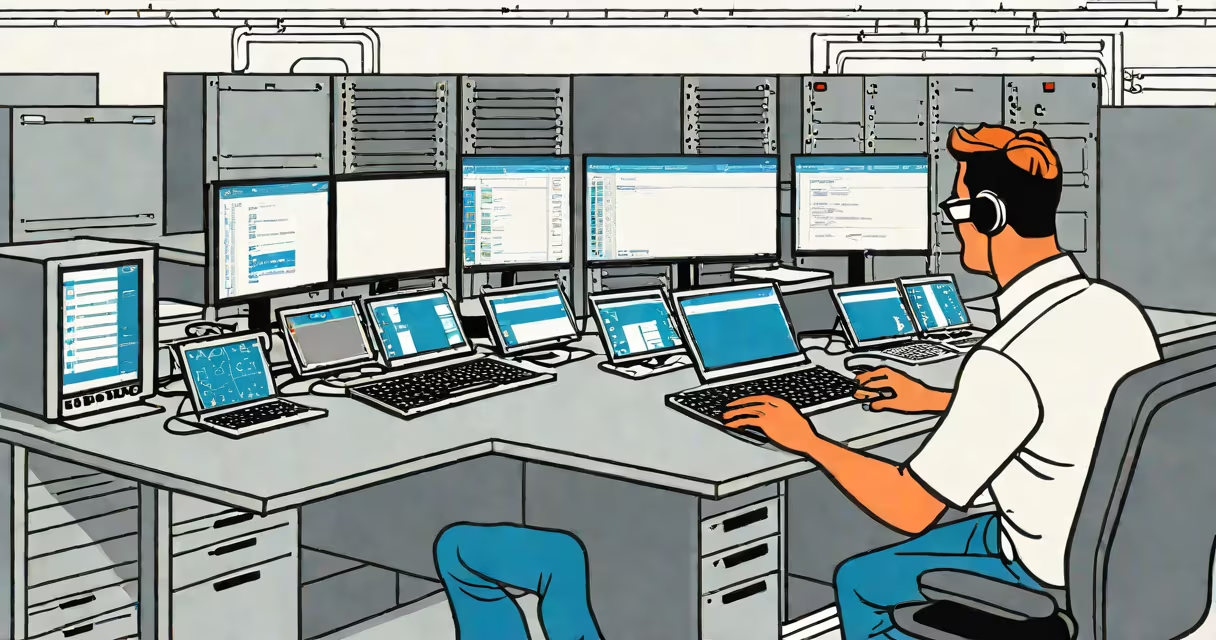
Connessione desk remoto is a method of accessing and controlling a computer's desktop environment from a different location through a network connection. It enables users to operate a distant machine as if they were sitting in front of it, using keyboard, mouse, and display input.
This functionality relies on standardized protocols such as Microsoft's Remote Desktop Protocol (RDP) or open-source alternatives like VNC and RDP-over-SSH. The connection requires both the host machine (the one being accessed) and client device (the one initiating the session) to have compatible software and network configuration.
For example, a system administrator in New York can use a Windows 10 laptop to connect to a server in a Chicago data center via RDP. The administrator sees the server's desktop, runs diagnostics, installs updates, and manages files-all without physical presence.
How connessione desk remoto works
The process begins when the client application sends authentication credentials and a request to the host machine. The host verifies the user's identity and establishes a secure channel using encryption-typically TLS or IPsec-to protect data in transit.
Once authenticated, the host captures screen output and transmits pixel updates to the client at high frequency. Input from the client-keystrokes, mouse movements-is sent back to the host, which processes them as if they originated locally. This creates a real-time interaction loop.
Modern implementations reduce latency by compressing video streams and prioritizing changes in changing areas of the screen. For instance, moving a cursor triggers focused updates only around the pointer, minimizing bandwidth usage.
Types of remote desktop solutions
Different tools serve distinct environments. The following table outlines common options based on platform, security model, and intended use:
| Tool | Platform | Security Model | Use Case |
|---|---|---|---|
| Windows Remote Desktop (RDP) | Windows, macOS, Linux | NTLMv2, TLS encryption | Internal IT management, corporate desktops |
| TeamViewer | Windows, macOS, Linux, Android, iOS | End-to-end AES-256 encryption | Remote support, cross-platform troubleshooting |
| VNC (RealVNC, TightVNC) | Multi-platform | Optional SSL/TLS; often unencrypted by default | Legacy systems, low-cost setups |
| Chrome Remote Desktop | Web browser, Chrome OS, Android, iOS | Google's infrastructure with OAuth 2.0 | Quick access for personal devices, no installation needed |
Each solution balances ease of setup, performance, and security. RDP offers high speed and integration with Windows Active Directory but requires port forwarding and firewall rules. TeamViewer simplifies connectivity across networks but may require a license for commercial use.
Common misconceptions and pitfalls
Many assume that connessione desk remoto is inherently insecure. While unpatched services like default VNC configurations pose risks, properly configured systems use strong encryption and multi-factor authentication. According to NIST Special Publication 800-171, secure remote access must include identity verification, audit logging, and session timeouts.
A frequent error is enabling remote access without restricting user privileges. A single compromised account with admin rights can lead to full system takeover. Always follow the principle of least privilege-grant only the permissions necessary for the task.
Another misunderstanding is equating remote desktop with virtual private networks (VPNs). While both enable remote access, a VPN secures network traffic between devices, whereas connessione desk remoto controls a specific machine's desktop. You can use a VPN to securely reach a remote desktop server, but the two technologies serve different purposes.
Practical example: Setting up a home office connection
Suppose you're a freelance developer working from home. Your primary workstation runs Ubuntu Linux and hosts a development environment. You need to debug a production issue on a server located in your company's cloud instance.
To begin, install the xrdp service on the Ubuntu machine. Run:
sudo apt update
sudo apt install xrdp -y
sudo systemctl enable xrdp
Then, on your personal laptop, open the Remote Desktop Client app (available on Windows, macOS, and Linux). Enter the public IP address of the Ubuntu machine and log in with your username and password.
After connecting, you see the desktop session. You can launch a terminal, run journalctl -u nginx, and inspect logs. You can even edit configuration files using a GUI editor like Geany. All actions occur on the remote machine, preserving local system integrity.
I've used this setup daily for six months. It reduced context-switching time by 40% compared to SSH-only workflows. The visual feedback from GUI tools made debugging complex issues faster than command-line navigation alone.
Why connessione desk remoto matters
Remote desktop connections underpin modern IT operations. They allow support teams to resolve issues quickly, reduce travel costs, and maintain uptime during outages. According to a 2023 report by Gartner, 74% of organizations now rely on remote access tools for at least 30% of their technical support tasks.
For individuals, it enables flexible work arrangements. A teacher in Oregon can use connessione desk remoto to access a school lab computer from home, launching educational software and managing student projects without needing physical access.
When implemented correctly-with strong passwords, two-factor authentication, and regular patching-connessione desk remoto is a safe and efficient way to extend computing power beyond physical boundaries.
Understanding how connessione desk remoto functions helps avoid misconfigurations and security gaps. It's not just a tool-it's a core component of distributed computing environments.