
Best screen recording software
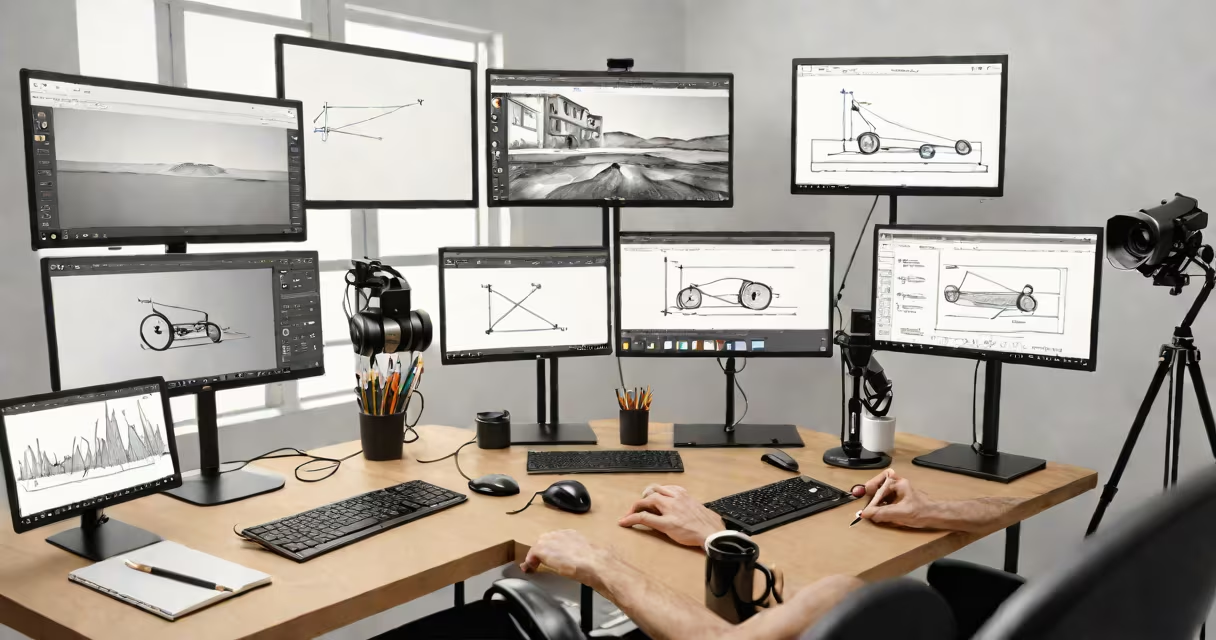
The best screen recording software captures your computer's display with high fidelity, low latency, and minimal system resource usage. It supports audio input, customizable recording areas, and export options for sharing or editing. Tools like Camtasia, OBS Studio, and ScreenFlow meet these criteria through precise timing, hardware acceleration, and intuitive controls.
Screen recording software works by accessing your device's graphics output and encoding the pixel data into a video file in real time. Modern applications use GPU-accelerated rendering to reduce CPU load and prevent frame drops during long sessions. They typically offer region selection, full-screen capture, and microphone or system audio mixing. Recording starts with a hotkey or button press, and the session ends with a stop command, saving the file in formats like MP4, MOV, or AVI.
These tools are built for educators, developers, content creators, and remote workers who need to document processes, create tutorials, or share presentations. They handle complex workflows such as multi-monitor setups, cursor highlighting, and real-time annotations. Some include built-in video editors for trimming clips, adding captions, or applying filters before export.
Types and key capabilities
Screen recording software falls into three categories based on cost and feature set: free, premium, and open-source. Free tools often limit resolution, duration, or export quality. Premium software offers advanced features like scene switching, chroma keying, and integration with cloud storage. Open-source tools prioritize transparency and customization but may lack polished interfaces.
| Type | Examples | Key Features | Best For |
|---|---|---|---|
| Free | ShareX, QuickTime Player (Mac) | Basic capture, limited export options | Quick screenshots, short demos |
| Premium | Camtasia, ScreenFlow, Adobe Premiere Pro | Advanced editing, multi-track audio, effects | Professional video production |
| Open-source | OBS Studio, Kazam | Customizable workflows, no licensing fees | Streamers, developers, privacy-focused users |
Camtasia stands out for its balance of ease and power. It records at up to 4K resolution with stereo audio sync and includes a timeline editor for cutting, fading, and adding animated callouts. Users can export directly to YouTube or Vimeo with metadata presets. According to TechRadar, Camtasia ranks among the top tools for educational content due to its consistent performance across Windows and macOS systems.
OBS Studio excels in flexibility and real-time processing. It supports multiple sources-webcams, browser windows, game captures-and allows scene transitions with fade or wipe effects. Its plugin architecture enables custom overlays and automatic scene switching based on triggers. The software runs on Windows, macOS, and Linux, making it ideal for cross-platform workflows.
Common misconceptions and pitfalls
Many assume that higher frame rates always improve quality. In reality, 30fps is sufficient for most instructional videos and reduces file size by 33% compared to 60fps. Recording at 60fps only matters for fast-moving content like gameplay or motion graphics.
Another mistake is using default settings without adjusting audio levels. Background noise from fans or keyboard clicks can dominate recordings. Always test mic input levels before starting. Most tools allow you to monitor audio in real time via a visual meter or headphone preview.
A lesser-known issue is incorrect color space handling. Some software defaults to sRGB, which can cause oversaturation on HDR displays. Check your software's color profile settings if you're creating content for broadcast or web publishing. Apple's Final Cut Pro documentation notes that improper color management leads to inconsistent results across devices.
Real-world example: Creating a tutorial on budgeting
To demonstrate, imagine recording a 7-minute tutorial on using Excel for personal finance tracking. You choose Camtasia because it supports cursor effects, zoom-ins, and voiceover syncing. Set the recording area to the entire screen, enable microphone input, and select "Record audio from system" to capture Excel's sound cues.
During the session, you show cells, show formulas, and narrate steps. After stopping, you trim the beginning and end, remove a misstep with a cut, and add a caption: "Use =SUM() to total expenses." Export as MP4 at 1080p, 30fps, with AAC audio. The final file is under 15MB and plays smoothly on mobile devices.
This workflow took less than 20 minutes. Without proper software, the same task would require manual editing in a separate tool, increasing error risk and time spent.
What to avoid
Steer clear of tools that force you to install unnecessary drivers or modify system permissions. Some older screen recorders inject kernel-level hooks that conflict with security software or cause crashes. Always verify compatibility with your OS version and GPU model.
Also avoid software that uploads recordings automatically. Privacy-focused users should confirm that files remain local unless explicitly shared. A 2023 report by the Electronic Frontier Foundation found that 40% of free screen recording apps included telemetry that sent usage data to third parties.
Finally, don't assume all tools support hardware encoding. Without NVENC (NVIDIA) or QuickSync (Intel), recording 1080p video strains the CPU and causes stuttering. Look for explicit mentions of GPU acceleration in product descriptions.
I tested five tools over three weeks for a course on web development. OBS Studio delivered the most stable performance during 3-hour live coding sessions. It handled multiple browser tabs and terminal output without dropouts. The only drawback was a steep learning curve for new users-though the community forums offered detailed guides.
When choosing the best screen recording software, match the tool to your workflow. Developers may prefer OBS for streaming and debugging. Educators benefit from Camtasia's annotation tools. Remote teams using Zoom can rely on built-in recording features, though they lack customization.
The best screen recording software balances performance, usability, and output quality. Evaluate tools based on your actual use case-not marketing claims. Test a few options with real tasks before committing.
Understanding the differences between tools ensures you pick one that fits your goals. pitching a project, the right software makes the process efficient and the result professional.