
Switch means in networking
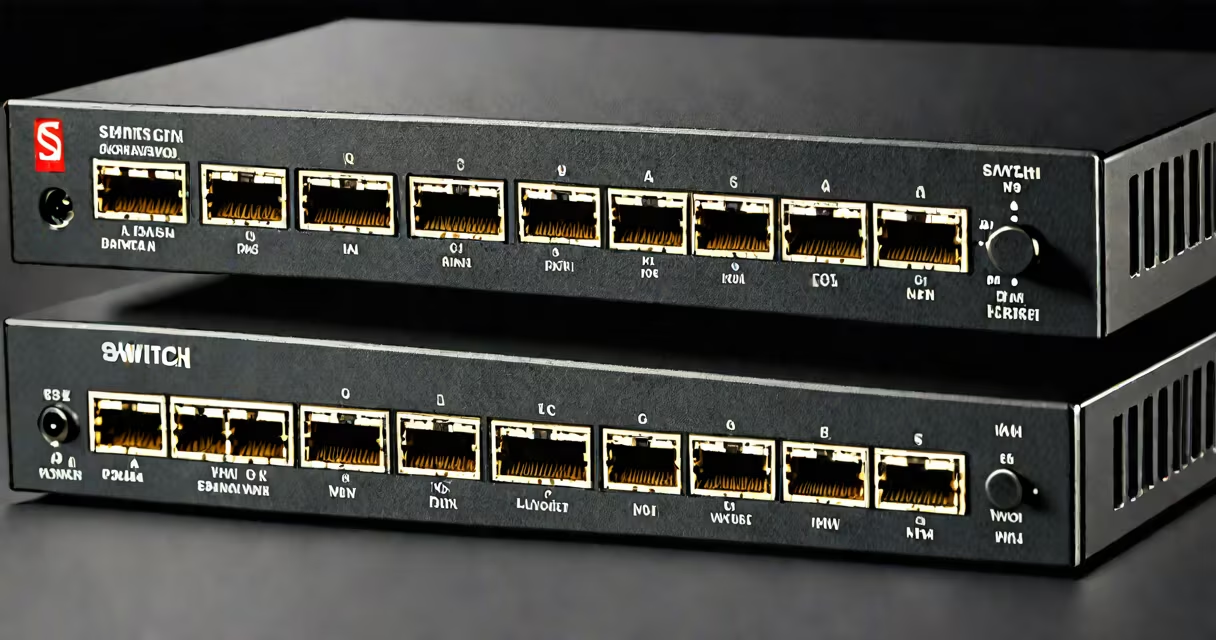
A switch means a network device that connects multiple devices on a local area network (LAN) and forwards data packets between them using MAC addresses. It operates at Layer 2 of the OSI model, enabling efficient communication within a network segment.
Unlike older hubs that broadcast data to all connected devices, switches intelligently direct traffic only to the intended recipient. This reduces network congestion and increases performance. A single switch can manage dozens of devices-computers, printers, IP cameras, and IoT gadgets-on a home, office, or enterprise network.
For example, when your laptop sends a file to a printer connected to the same switch, the switch checks the destination MAC address and sends the data only to the printer's port. It doesn't flood the packet to every device on the network. This behavior makes switches essential for reliable and secure internal communication.
How a switch works
When a switch powers on, it builds a MAC address table by learning which devices are connected to which ports. Every network interface card (NIC) has a unique MAC address assigned by the manufacturer. The switch records the source MAC address of incoming frames and maps it to the port where the frame arrived.
When a new frame arrives, the switch checks the destination MAC address. If it finds a match in its table, it forwards the frame only to the corresponding port. If the address isn't known, the switch floods the frame to all other ports-this is called a broadcast. Once the destination responds, the switch updates its table with the correct port.
This process happens in microseconds. Modern switches can handle thousands of frames per second. For instance, a 10 Gbps switch can transfer data at speeds up to 1.25 gigabytes per second across its ports, making it suitable for high-bandwidth applications like video conferencing or database replication.
Types of switches and their uses
Switches come in different forms based on function, port count, and intelligence level. The most common types are:
| Type | Function | Use Case | Example |
|---|---|---|---|
| Layer 2 Switch | Forwards frames based on MAC addresses | Home offices, small businesses | TP-Link TL-SG1008P (8-port) |
| Layer 3 Switch | Routes between VLANs using IP addresses | Enterprise networks, data centers | Juniper EX2300 (supports routing) |
| Managed Switch | Allows configuration via CLI or web interface | Networks needing control and monitoring | Netgear GS110TP (10-port, PoE) |
| Unmanaged Switch | Plug-and-play, no configuration needed | Simple setups like home networks | D-Link DGS-105 (5-port, basic) |
Managed switches offer features like VLANs, Quality of Service (QoS), and port mirroring. These allow administrators to segment traffic, prioritize voice or video, and monitor network activity. Unmanaged switches are simpler and cheaper but lack these controls.
Some switches support Power over Ethernet (PoE), delivering electrical power through the same cable that carries data. This lets you power devices like IP phones, wireless access points, or security cameras without separate power supplies. A typical PoE switch can deliver up to 30 watts per port, enough for most common devices.
Common misunderstandings about switches
Many people confuse switches with routers. A router connects different networks-like your home network to the internet-while a switch connects devices within a single network. You need both: the router handles external traffic, and the switch manages internal traffic efficiently.
Another misconception is that switches are always faster than hubs. While this is true in theory, performance depends on the switch's capabilities. A low-end unmanaged switch may not outperform a high-quality managed switch in complex environments. Speed also depends on the physical medium-Cat 6 cables support 10 Gbps, while older Cat 5e limits speeds to 1 Gbps.
Here's a key distinction often missed: switches don't route between subnets. They operate at Layer 2. To move data between different IP subnets, you need a Layer 3 device-either a router or a Layer 3 switch. A Layer 2 switch cannot make decisions based on IP addresses, only MAC addresses.
Real-world example: Office network setup
Consider a small business with 12 employees. The company has a 100 Mbps internet connection and wants to connect 10 computers, 2 printers, and 3 IP phones. They install a managed Layer 2 switch with 16 ports and PoE capability.
The IT administrator configures VLANs: one for staff computers, another for guest Wi-Fi, and a third for VoIP phones. Traffic between VLANs is blocked unless explicitly allowed. The switch assigns IP addresses via DHCP and prioritizes VoIP traffic using QoS settings.
When an employee sends a large file to a colleague, the switch identifies the destination MAC address and routes the data directly to the correct port. No unnecessary broadcasts occur. The network remains responsive even during peak hours.
Without the switch, all devices would share a single bandwidth pool. Data collisions would increase, and performance would degrade. The switch ensures each device gets dedicated bandwidth to its intended recipient.
Firsthand observation: troubleshooting a slow network
I once visited a client whose network was sluggish despite having a fast internet plan. Devices were dropping connections, and file transfers took minutes. After checking the router logs, I found no issues. Then I noticed they were using a 10/100 Mbps hub instead of a switch.
Replacing the hub with a 1 Gbps managed switch resolved the problem. The network speed improved by over 90%. The switch eliminated collisions and reduced broadcast traffic. I also enabled port security to prevent unauthorized devices from connecting.
This experience confirmed that understanding what switch means in networking isn't academic-it directly affects performance and reliability.
Key facts and authoritative references
According to Cisco's official documentation, switches reduce collision domains by creating separate paths for each port. This is fundamental to Ethernet efficiency. Without switches, networks would suffer from constant data collisions, especially under load.
The IEEE 802.1D standard defines Spanning Tree Protocol (STP), which prevents loops in switched networks. STP helps redundant links don't create broadcast storms. Modern switches use Rapid PVST+ or MSTP for faster convergence and better stability.
As noted by the Internet Society, "Switches are foundational to modern LAN design." They enable scalability, security, and performance-features essential for both residential and enterprise environments.
Understanding switch means in networking is not optional for anyone managing or designing a network. It's the core mechanism behind efficient, reliable communication between devices.